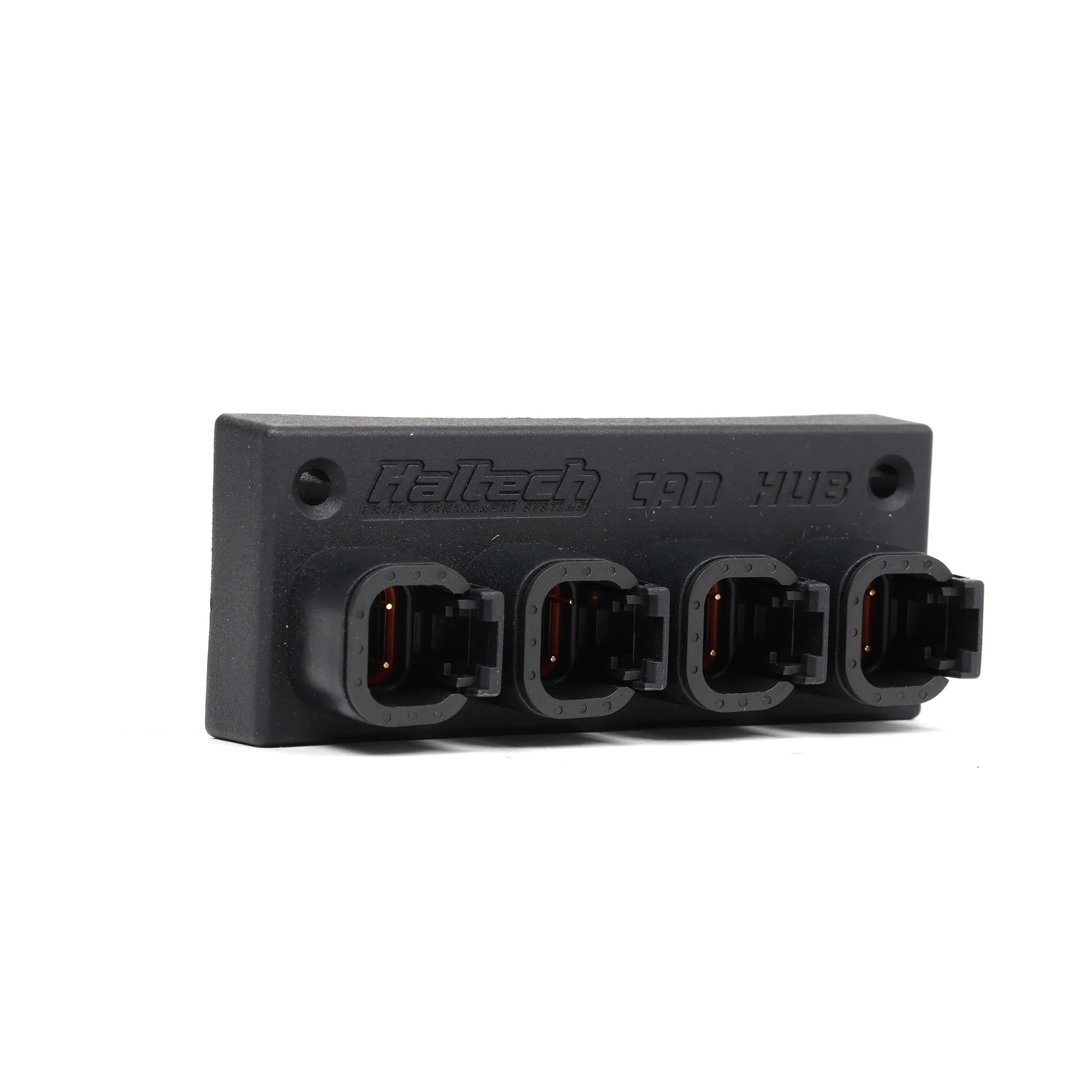




Haltech Elite 4 Port DTM-4 CAN Hub
- Plug and Play Installation
- Clean, Centralized Device Connectivity
- Compatible with Haltech Elite ECUs and Digital Displays
- Can Be Stacked for Adding Multiple New Ports
- Description
- Vehicle Fitment
- Included
-
Haltech 4 Port DTM-4 CANbus Hub - Haltech Elite ECUs and Digital Displays
You've got a Haltech Elite ECU running your build (Elite 1500, Elite 2500, or one of the Pro Plug-In versions for K-series), and you're adding CAN devices to it as the build matures. An IC-7 dash, a WB1 wideband, a CAN keypad, a GPS speed module. Each of those needs to talk to the ECU on the same CAN bus, and the Elite ECU has one CAN connector to give. This is the part that turns one CAN port into three. Haltech part HT-159000.
What It Is and How It Works
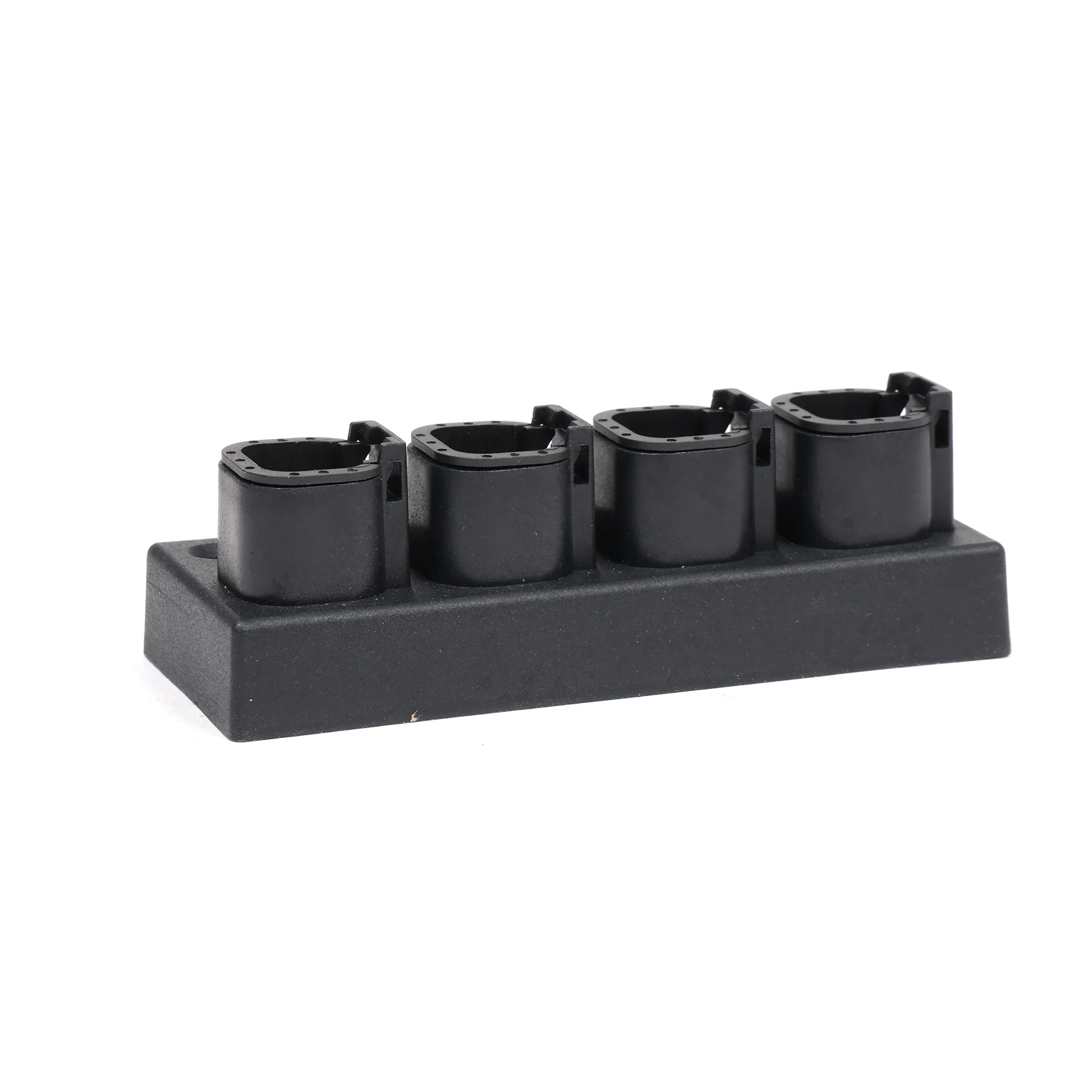
The Haltech Elite CAN Hub is a 4-port DTM-4 connector junction box that branches the Elite ECU's single CAN bus output into three additional connection points. One port connects back to the ECU (or to another hub upstream of it). The other three ports connect to CAN-enabled devices. Each port carries the same four signals: CAN High, CAN Low, switched 12V power, and ground, all routed through the standard Deutsch DTM-4 connector that Haltech uses across the Elite product line.
The hub matters because the Elite ECU's CAN connector is a single physical port. Without a hub, you'd have to chain devices in a line, and that gets messy fast when devices are mounted in different parts of the car (display on the dash, wideband near the exhaust, keypad on the center console). With the hub, you run one cable from the ECU to the hub, mount the hub in a central location, then run individual cables out to each device. Cleaner, easier to troubleshoot, and easier to add or remove devices later.
Each hub supports up to three CAN devices off one Elite ECU. If you need to connect more than three, Haltech designed the hubs to chain. Run a cable from one of the hub's ports to the input of a second hub, and you've expanded to five devices total (hub one keeps two device ports plus the chain-out, hub two adds three more). Keep chaining as needed, though most builds stop at one hub since most setups don't run more than three CAN peripherals.
Specs
Manufacturer Haltech Manufacturer Part Number HT-159000 Product Type CAN bus hub / network expander Ports 4 total (1 input from ECU, 3 outputs to CAN devices) Connector Standard Deutsch DTM-4 (4-pin) Pin Assignment CAN High, CAN Low, switched 12V, ground Compatibility Haltech Elite series ECUs (direct plug 'n' play with Elite ECU CAN port or Elite ECU harness CAN connector) Maximum CAN Devices Per Hub 3 Chaining Multiple hubs can be combined to support additional CAN devices Included 4-port CAN hub plus one DTM-4 to DTM-4 CAN cable, 300mm (12") length ECU Compatibility
Haltech ECU Family Compatibility Elite 550 / 750 / 950 / 1000 Direct plug 'n' play via CAN connector Elite 1500 / 2000 / 2500 Direct plug 'n' play via CAN connector Elite VMS T (Pro Plug-In) Direct plug 'n' play via CAN connector Elite Pro Plug-In ECUs (Honda, Subaru, Nissan, Mitsubishi platform-specific) Direct plug 'n' play via CAN connector Elite Race Pro Plug-In ECUs Direct plug 'n' play via CAN connector Haltech Nexus R5 Different connector standard, not compatible without adapters What You Can Connect To It
Any Haltech CAN device with a DTM-4 connector. The most common builds in HR's audience use this hub to consolidate combinations of the following:
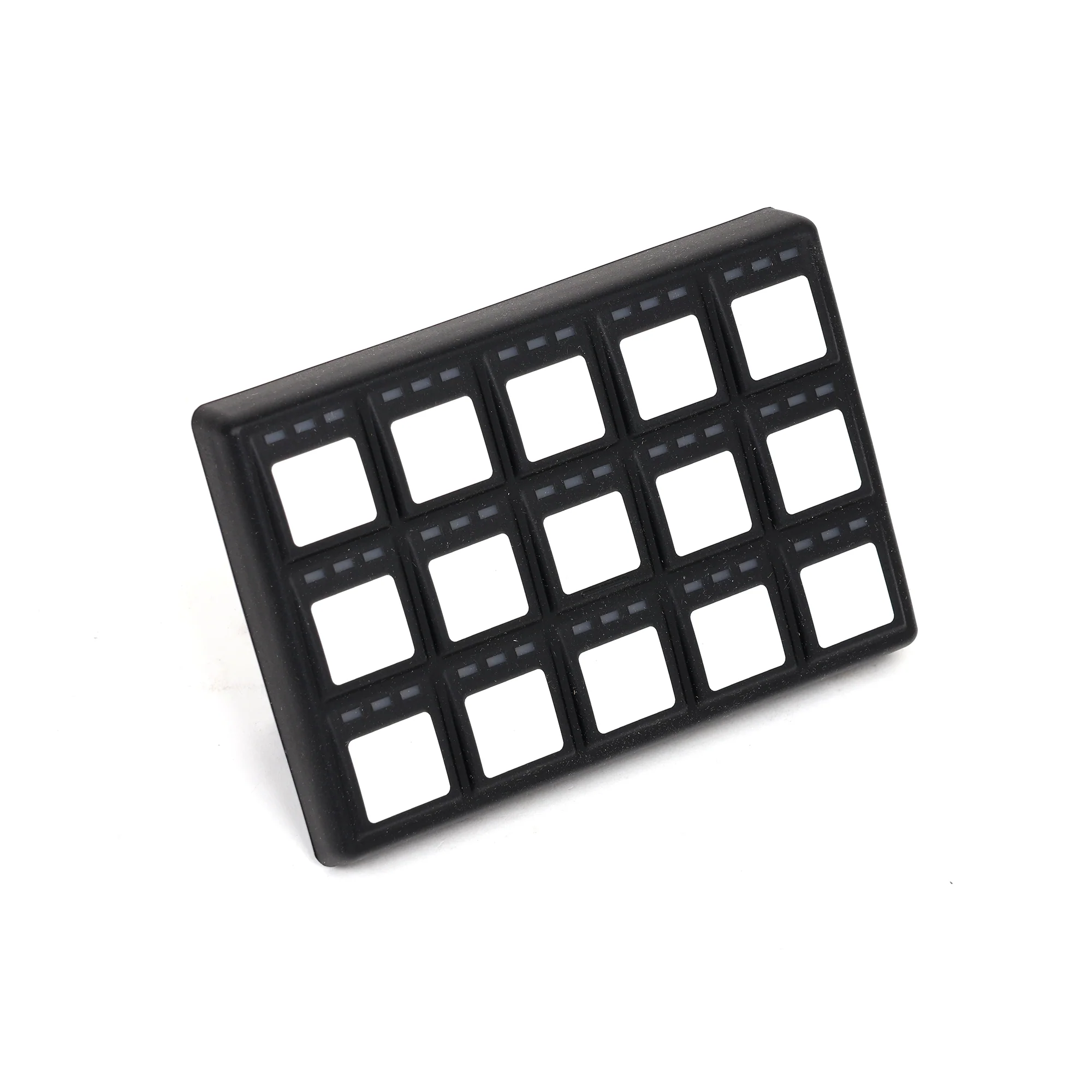
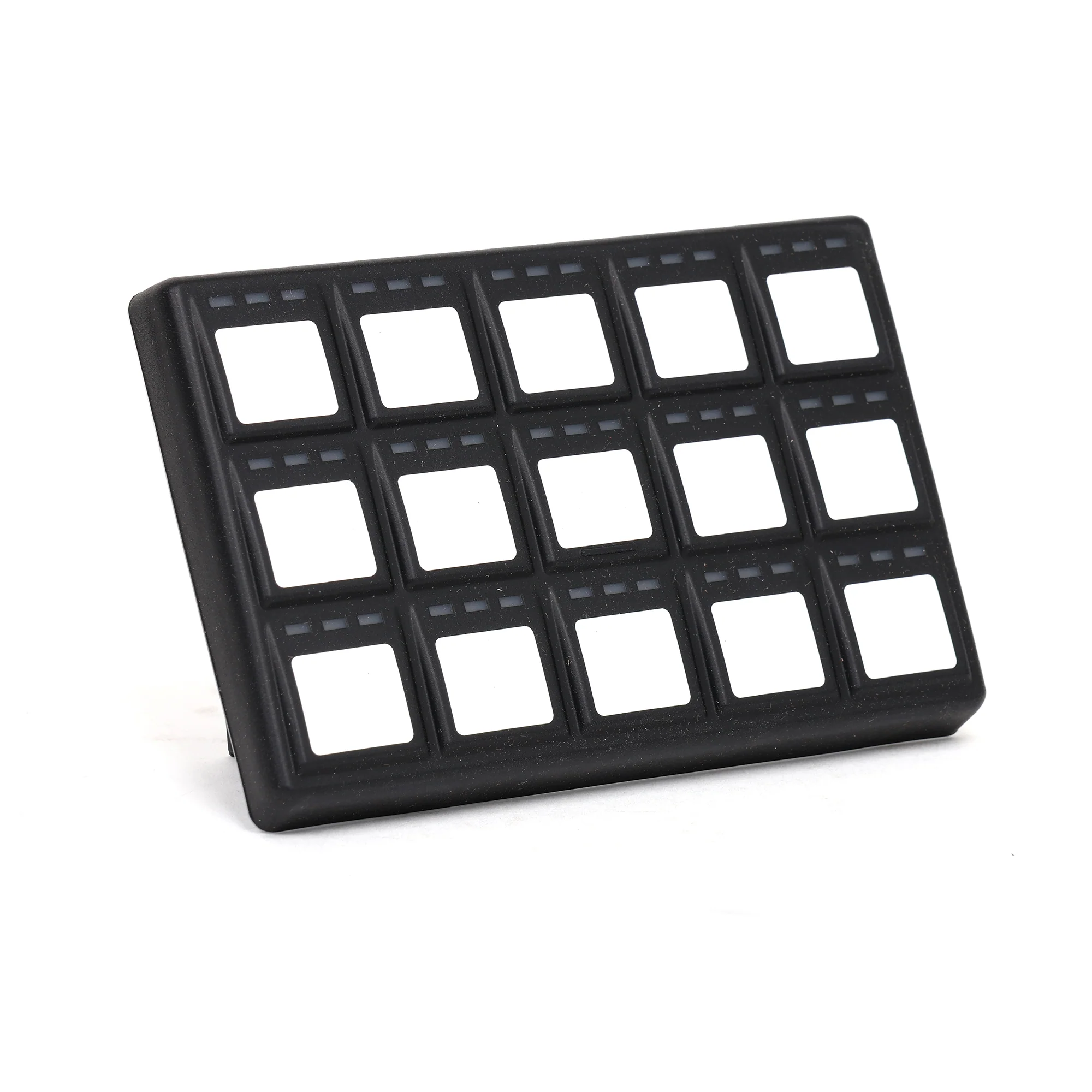
Haltech CAN Device Function IC-7 Color Display 7-inch programmable color dash display IQ3 Display Dash Configurable racing dash WB1 Single Channel Wideband O2 sensor controller WB2 Dual Channel Wideband Dual-bank O2 controller for V-engine setups or pre/post cat monitoring CAN Pad / Keypad 15-key programmable input pad for switching outputs RTC Module Real-time clock for accurate time stamping in data logging 6CH I/O Box Additional input/output expansion GPS Speed Input Module GPS speed for data logging and dash speedometer feed What to Know Before You Buy
The hub does not eliminate CAN bus termination requirements. Haltech CAN networks use 120-ohm termination resistors at each end of the bus to prevent signal reflections that cause communication errors. The Elite ECU has internal termination on its end. The last device on the network needs to be terminated either through its built-in termination feature (most Haltech CAN devices have this option enabled or disabled in software) or with an external termination resistor. The hub does not provide termination on its own. If you're seeing CAN communication errors after install, termination is the first thing to verify.
Cable runs matter. CAN is robust, but excessive stub lengths off a hub branch can cause signal integrity issues. Keep individual device cable runs reasonable (Haltech recommends keeping each branch under a couple of meters where possible). For long runs to dash-mounted displays in a coupe with the ECU in the passenger footwell, a single hub run typically works fine. For long runs in a panel van or trunk-mounted ECU setup, plan cable routing carefully.
The included 300mm cable connects the hub to the ECU. Each CAN device has its own dedicated cable that's sold separately or included with the device. The IC-7 ships with its own DTM-4 to display cable. The WB1 ships with its own cable. When you add the hub to your build, you don't need additional cables for the device side, since each device brings its own. You only need the included 300mm cable to get from ECU to hub.
This is a build-it-once, set-it-and-forget purchase. Once installed, the hub sits in the harness as permanent infrastructure. The DTM-4 connectors are sealed and rated for engine bay use, so mounting location flexibility is good. Most builders mount the hub behind the dash, in the glove box area, or in the kick panel where it stays accessible for future device additions but stays out of the way of regular service work.
Direct plug 'n' play with the Elite ECU CAN port means no harness pinning, no soldering, and no Deutsch crimp work required for installation. Plug the included cable into the ECU's CAN connector, plug the other end into the hub's input port, and you're ready to start adding devices. This is the kind of part that makes a complex Haltech build manageable for builders who'd rather spend their time tuning than wiring.
- Universal
-
(1) CANbus Hub(1) DTM-4 to DTM-4 Cable
Original: $125.00
-70%$125.00
$37.50Product Information
Product Information
Shipping & Returns
Shipping & Returns
Description
- Plug and Play Installation
- Clean, Centralized Device Connectivity
- Compatible with Haltech Elite ECUs and Digital Displays
- Can Be Stacked for Adding Multiple New Ports
- Description
- Vehicle Fitment
- Included
-
Haltech 4 Port DTM-4 CANbus Hub - Haltech Elite ECUs and Digital Displays
You've got a Haltech Elite ECU running your build (Elite 1500, Elite 2500, or one of the Pro Plug-In versions for K-series), and you're adding CAN devices to it as the build matures. An IC-7 dash, a WB1 wideband, a CAN keypad, a GPS speed module. Each of those needs to talk to the ECU on the same CAN bus, and the Elite ECU has one CAN connector to give. This is the part that turns one CAN port into three. Haltech part HT-159000.
What It Is and How It Works
The Haltech Elite CAN Hub is a 4-port DTM-4 connector junction box that branches the Elite ECU's single CAN bus output into three additional connection points. One port connects back to the ECU (or to another hub upstream of it). The other three ports connect to CAN-enabled devices. Each port carries the same four signals: CAN High, CAN Low, switched 12V power, and ground, all routed through the standard Deutsch DTM-4 connector that Haltech uses across the Elite product line.
The hub matters because the Elite ECU's CAN connector is a single physical port. Without a hub, you'd have to chain devices in a line, and that gets messy fast when devices are mounted in different parts of the car (display on the dash, wideband near the exhaust, keypad on the center console). With the hub, you run one cable from the ECU to the hub, mount the hub in a central location, then run individual cables out to each device. Cleaner, easier to troubleshoot, and easier to add or remove devices later.
Each hub supports up to three CAN devices off one Elite ECU. If you need to connect more than three, Haltech designed the hubs to chain. Run a cable from one of the hub's ports to the input of a second hub, and you've expanded to five devices total (hub one keeps two device ports plus the chain-out, hub two adds three more). Keep chaining as needed, though most builds stop at one hub since most setups don't run more than three CAN peripherals.
Specs
Manufacturer Haltech Manufacturer Part Number HT-159000 Product Type CAN bus hub / network expander Ports 4 total (1 input from ECU, 3 outputs to CAN devices) Connector Standard Deutsch DTM-4 (4-pin) Pin Assignment CAN High, CAN Low, switched 12V, ground Compatibility Haltech Elite series ECUs (direct plug 'n' play with Elite ECU CAN port or Elite ECU harness CAN connector) Maximum CAN Devices Per Hub 3 Chaining Multiple hubs can be combined to support additional CAN devices Included 4-port CAN hub plus one DTM-4 to DTM-4 CAN cable, 300mm (12") length ECU Compatibility
Haltech ECU Family Compatibility Elite 550 / 750 / 950 / 1000 Direct plug 'n' play via CAN connector Elite 1500 / 2000 / 2500 Direct plug 'n' play via CAN connector Elite VMS T (Pro Plug-In) Direct plug 'n' play via CAN connector Elite Pro Plug-In ECUs (Honda, Subaru, Nissan, Mitsubishi platform-specific) Direct plug 'n' play via CAN connector Elite Race Pro Plug-In ECUs Direct plug 'n' play via CAN connector Haltech Nexus R5 Different connector standard, not compatible without adapters What You Can Connect To It
Any Haltech CAN device with a DTM-4 connector. The most common builds in HR's audience use this hub to consolidate combinations of the following:
Haltech CAN Device Function IC-7 Color Display 7-inch programmable color dash display IQ3 Display Dash Configurable racing dash WB1 Single Channel Wideband O2 sensor controller WB2 Dual Channel Wideband Dual-bank O2 controller for V-engine setups or pre/post cat monitoring CAN Pad / Keypad 15-key programmable input pad for switching outputs RTC Module Real-time clock for accurate time stamping in data logging 6CH I/O Box Additional input/output expansion GPS Speed Input Module GPS speed for data logging and dash speedometer feed What to Know Before You Buy
The hub does not eliminate CAN bus termination requirements. Haltech CAN networks use 120-ohm termination resistors at each end of the bus to prevent signal reflections that cause communication errors. The Elite ECU has internal termination on its end. The last device on the network needs to be terminated either through its built-in termination feature (most Haltech CAN devices have this option enabled or disabled in software) or with an external termination resistor. The hub does not provide termination on its own. If you're seeing CAN communication errors after install, termination is the first thing to verify.
Cable runs matter. CAN is robust, but excessive stub lengths off a hub branch can cause signal integrity issues. Keep individual device cable runs reasonable (Haltech recommends keeping each branch under a couple of meters where possible). For long runs to dash-mounted displays in a coupe with the ECU in the passenger footwell, a single hub run typically works fine. For long runs in a panel van or trunk-mounted ECU setup, plan cable routing carefully.
The included 300mm cable connects the hub to the ECU. Each CAN device has its own dedicated cable that's sold separately or included with the device. The IC-7 ships with its own DTM-4 to display cable. The WB1 ships with its own cable. When you add the hub to your build, you don't need additional cables for the device side, since each device brings its own. You only need the included 300mm cable to get from ECU to hub.
This is a build-it-once, set-it-and-forget purchase. Once installed, the hub sits in the harness as permanent infrastructure. The DTM-4 connectors are sealed and rated for engine bay use, so mounting location flexibility is good. Most builders mount the hub behind the dash, in the glove box area, or in the kick panel where it stays accessible for future device additions but stays out of the way of regular service work.
Direct plug 'n' play with the Elite ECU CAN port means no harness pinning, no soldering, and no Deutsch crimp work required for installation. Plug the included cable into the ECU's CAN connector, plug the other end into the hub's input port, and you're ready to start adding devices. This is the kind of part that makes a complex Haltech build manageable for builders who'd rather spend their time tuning than wiring.
- Universal
-
(1) CANbus Hub(1) DTM-4 to DTM-4 Cable